Promotion for New Zealand Customs Service
Travelling with kids is an adventure with equal parts of magical wonder and mild chaos! Between snacks, passports, and keeping everyone entertained on a long-haul flight, the last thing you want is a stressful arrival home. That’s where the digital New Zealand Traveller Declaration (NZTD) comes in.
Everyone travelling into New Zealand has to complete a traveller declaration. If you haven’t used it yet, the digital declaration is free and helps to make the border process easier and far less overwhelming for families. It’s your go-to tool for a smoother trip when returning to New Zealand.
Why every travelling parent should use the NZTD app
Using the NZTD app or website lets you complete your traveller declarations digitally before you land, meaning no more panic juggling of paper forms while wrangling tired kids and carry-on bags.
Better still, it’s completely free when you use the official government platform. It’s worth noting that some unofficial websites charge a fee to “help” you complete the declaration, so make sure you stick to the official NZTD app or website to avoid unnecessary costs.
The ‘Group Travel’ hack parents will love
One of the best features for families is the Group Travel option that makes completing declarations for the whole family easy. You can copy your travel details across multiple travellers, and all the submitted declarations display together in the app.
This means no repeating the same information over and over, saving you time (and patience) when you’d rather be focusing on getting everyone home.
Airport stress reduction: Why doing it 24 hours early is a game-changer
You can complete your declaration up to 24 hours before your flight back to New Zealand, and this is where the magic happens. Doing it early means:
- No last-minute rush at the airport
- More time to focus on kids, luggage, and boarding
- A smoother, easier experience when you land
After a long journey, anything that helps you move through the airport quicker is a win, especially when little ones (and parents!) are tired, hungry, or both.
Step-by-step: How to use the NZTD app (even on a busy travel day)
Here’s a simple walkthrough to make it easy:
1. Download the app or visit the official website
Use the links below to install the app before your trip.
2. Start a new declaration
Enter your travel details, including your flight and arrival information.
3. Fill in the required information
This includes passport details, travel history, and any items you need to declare.
4. Review and submit
Double-check everything, then submit your declaration.
5. Add your family members
When you have submitted your declaration and start the next one for your family member, you have the option to select if that person is travelling with you. All the travel details will be copied across.
6. Save your confirmation
All of the submitted declarations will display together in the app.
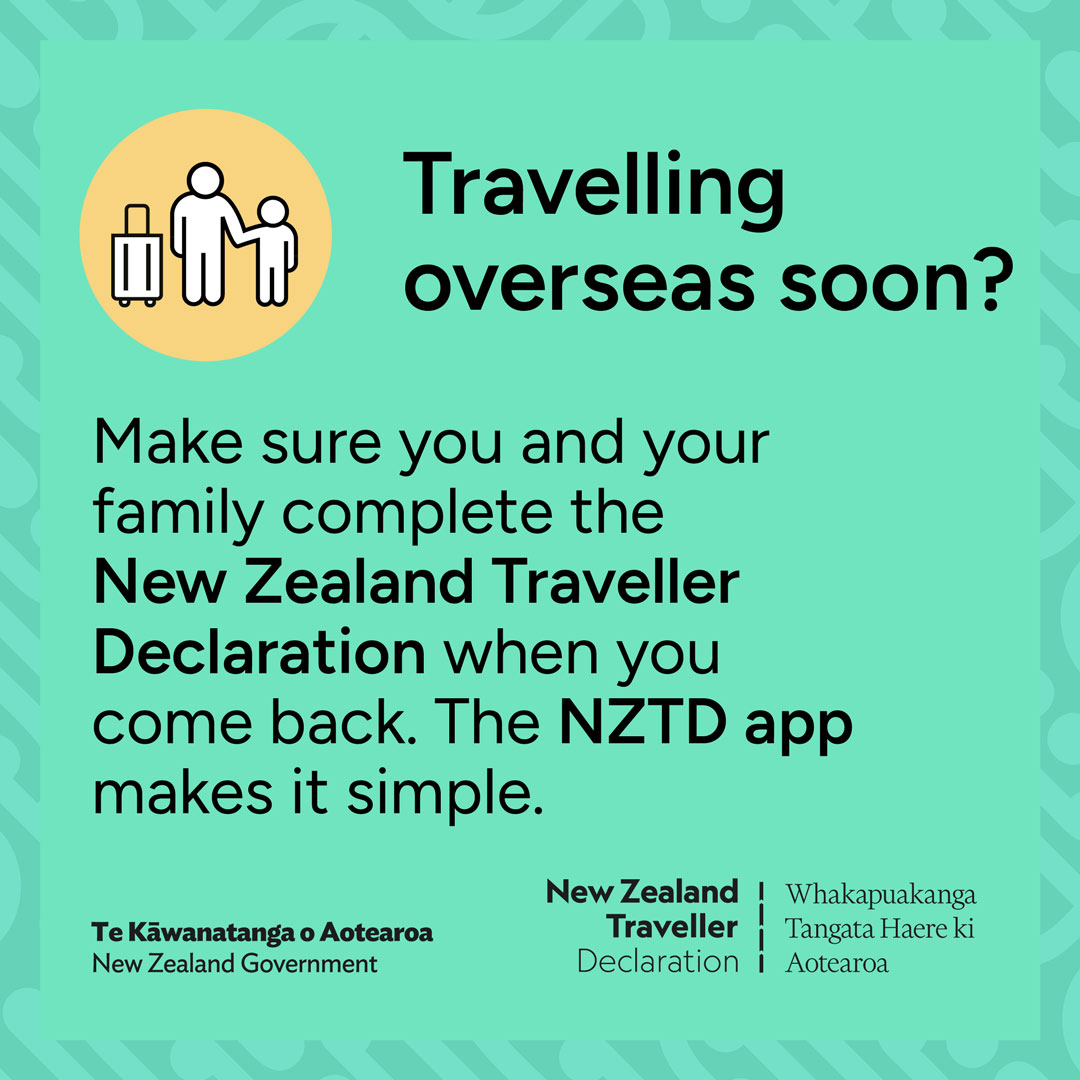
Download the official NZTD app
Make things easier before you even leave home by downloading the app:
- App Store (Apple devices)
- Google Play (Android devices)
- Or complete your declaration online
A smoother way home for the whole family
When you’re travelling with kids, every small win counts and the NZTD app is one of those simple tools that can make a big difference. By getting it sorted ahead of time, using the Group Travel feature, and sticking to the official (free) app or website, you’ll set yourself up for a calmer journey through the airport when returning to New Zealand.
 Written by Julie Lankow
Julie is Editor for Kidspot NZ and our MVP. Her hobbies include laughing uncontrollably at her own jokes, incidentally revealing her age during quizzes, and never taking anything too seriously.
Favourite motto to live by: “It ain’t nothing but a thing”
 14 October, 2026